

Patient data lost after a backup drive goes missing
On 30 October 2026, Saku General Hospital in Nagano, Japan, announced that a portable hard drive containing medical data on 87,765 patients is missing. The drive was used as a backup for healthcare cost claims and has not been found.
What went wrong
In June 2026, the healthcare claims department noticed that the drive was missing. According to the official statement, it held data from 1 April 2019 through February 2026: names, dates of birth, sex, health-insurer numbers, diagnoses, examinations, medication, treatments and descriptions of symptoms. Addresses, telephone numbers, My Number (the Japanese equivalent of a citizen service number) and bank or credit-card details were, according to the hospital, not on the drive. Apart from names and symptom descriptions, the remaining data were coded.
The drive disappeared in a staff area. Discussions with the Japanese privacy regulator and the police have yielded nothing; the hospital does not rule out that the drive was thrown away by mistake. According to the announcement, there has so far been no misuse or confirmed leak. The hospital considers that risk to be very low, but is informing the patients concerned in writing. It acknowledges that internal rules on media handling were not fully followed. Whether the drive was encrypted is not stated in the announcement.
What this means for organisations in the Netherlands
The 2025 Data Breach Report of the Dutch Data Protection Authority (Autoriteit Persoonsgegevens, AP) records more than four hundred reports of data breaches caused by laptops, phones and files that were left behind or stolen, most of them in the health and welfare sector. Organisations that allow USB sticks must, according to the AP, secure them properly; those that ban them must point staff to the risks and offer safe alternatives.
Under the GDPR, a controller must in principle notify the AP of a personal data breach within 72 hours of becoming aware of it, unless it is unlikely that the breach poses a risk to the rights and freedoms of the people concerned. Those people must be informed if there is likely to be a high risk.
Encryption can remove that risk, but only if it is sound. In the AP’s example list of when to notify or not, there is a USB stick with an encrypted backup that is stolen in a burglary. If the data are encrypted with an advanced algorithm, the unique key has not been compromised, backups exist and the data can be restored in time, the breach often does not have to be notified to the AP and the people concerned do not have to be informed. If the opposite later turns out to be true, you must still notify. If the data sit unencrypted on a lost USB stick, the incident must, according to the European Data Protection Board (EDPB, Guidelines 9/2022), be notified. Every incident belongs in the internal register, even if you do not notify the AP.
What organisations can do in practice
- Take stock of portable drives and USB sticks that hold personal data, and keep a record of who is responsible for them.
- Do not put backups of personal or patient data on unprotected removable media. If a portable drive is still needed, encrypt it first and do not keep the access code with the device.
- Make sure encryption is active as soon as the drive leaves the computer, so that someone who finds it cannot open the contents elsewhere.
- Record how media are stored, lent out and destroyed, and check that those arrangements are followed. According to the Japanese hospital, it was precisely that last step that was missing.
- Practise the steps to take if something is lost: what was on it, was it encrypted, is the key still safe, and do you need to inform the AP within 72 hours?
Hardware encryption as a last line of defence

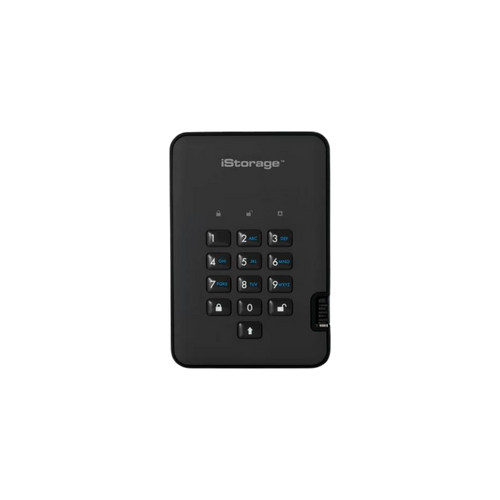
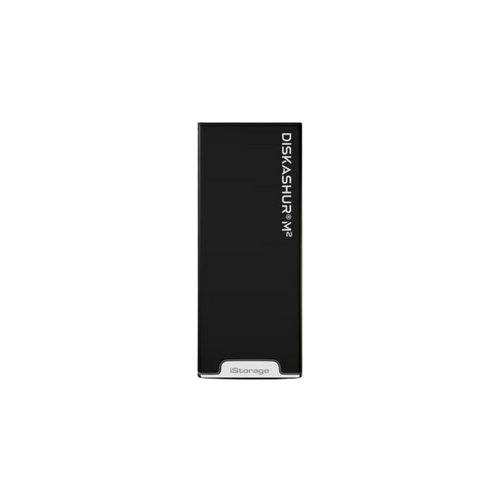
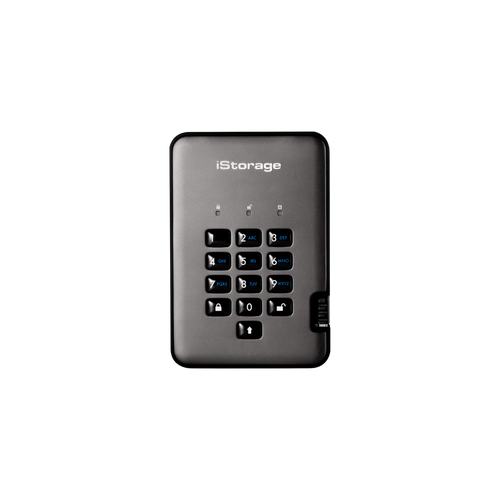
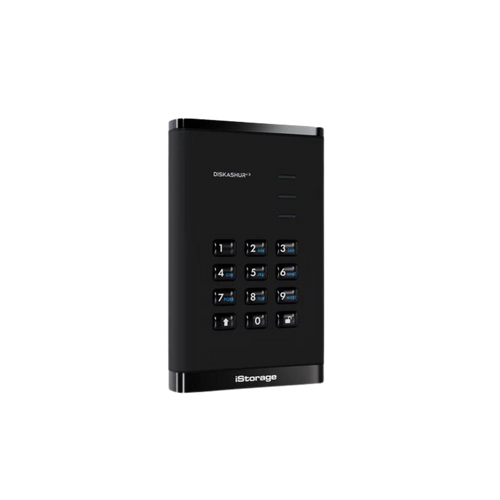
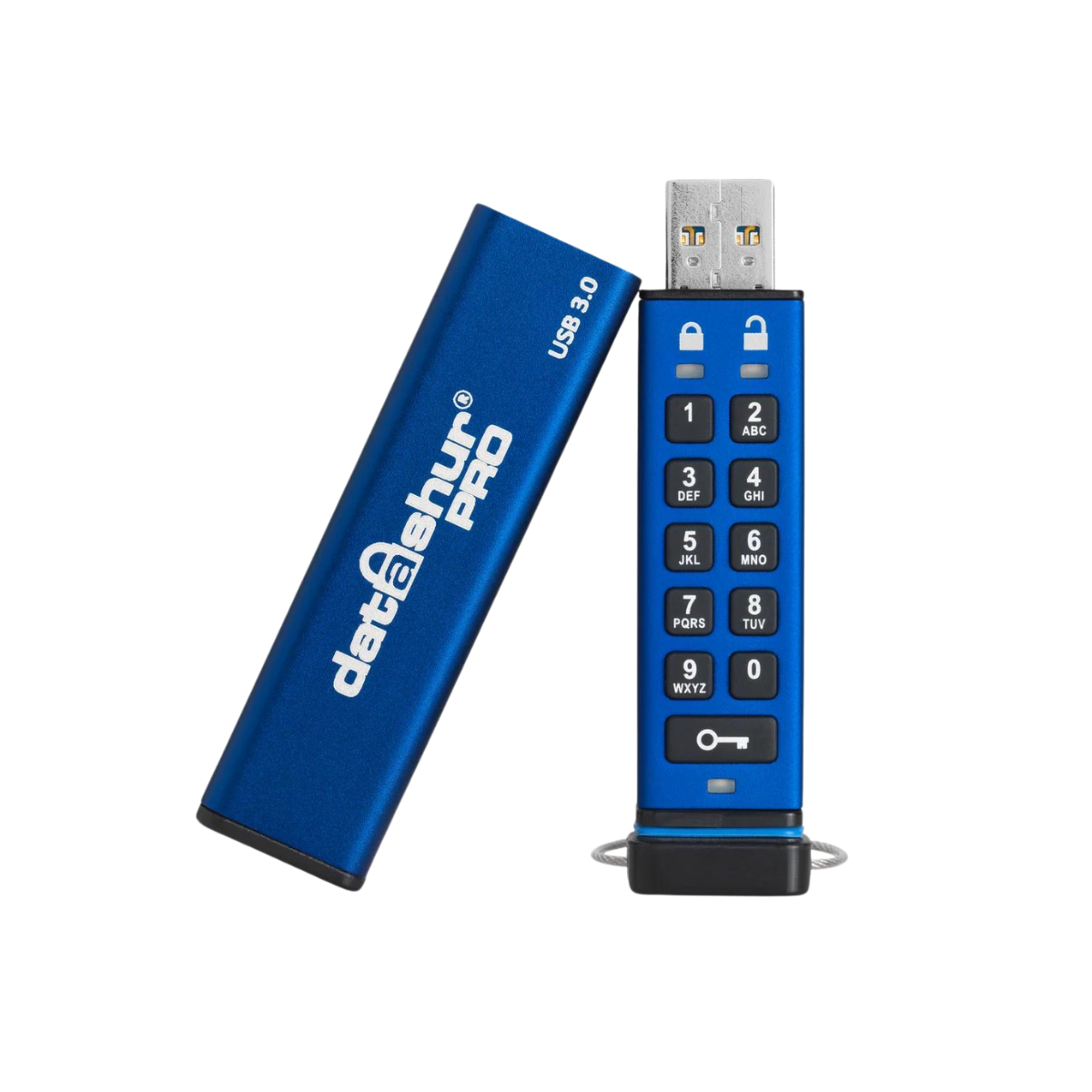
Had the drive been openable only with a PIN that was not stored with the device, the data would in principle have remained unreadable to anyone who found it. For this kind of portable backup, the iStorage diskAshur3 is an example: a portable hard drive or SSD that you unlock with a PIN of 8 to 64 digits that you set yourself. The data are encrypted in the hardware with AES-XTS 256-bit (validated to FIPS PUB 197). When you remove the drive from the computer, the contents are automatically encrypted again. After ten consecutive incorrect attempts with the user PIN, that code is deleted; the data can then only be accessed with the administrator PIN. If that code is also entered incorrectly ten times, all data are permanently destroyed.
Encryption does not make careful handling of data carriers unnecessary. It changes the consequences of a loss: the drive is gone, the contents in principle are not.